Course Overview
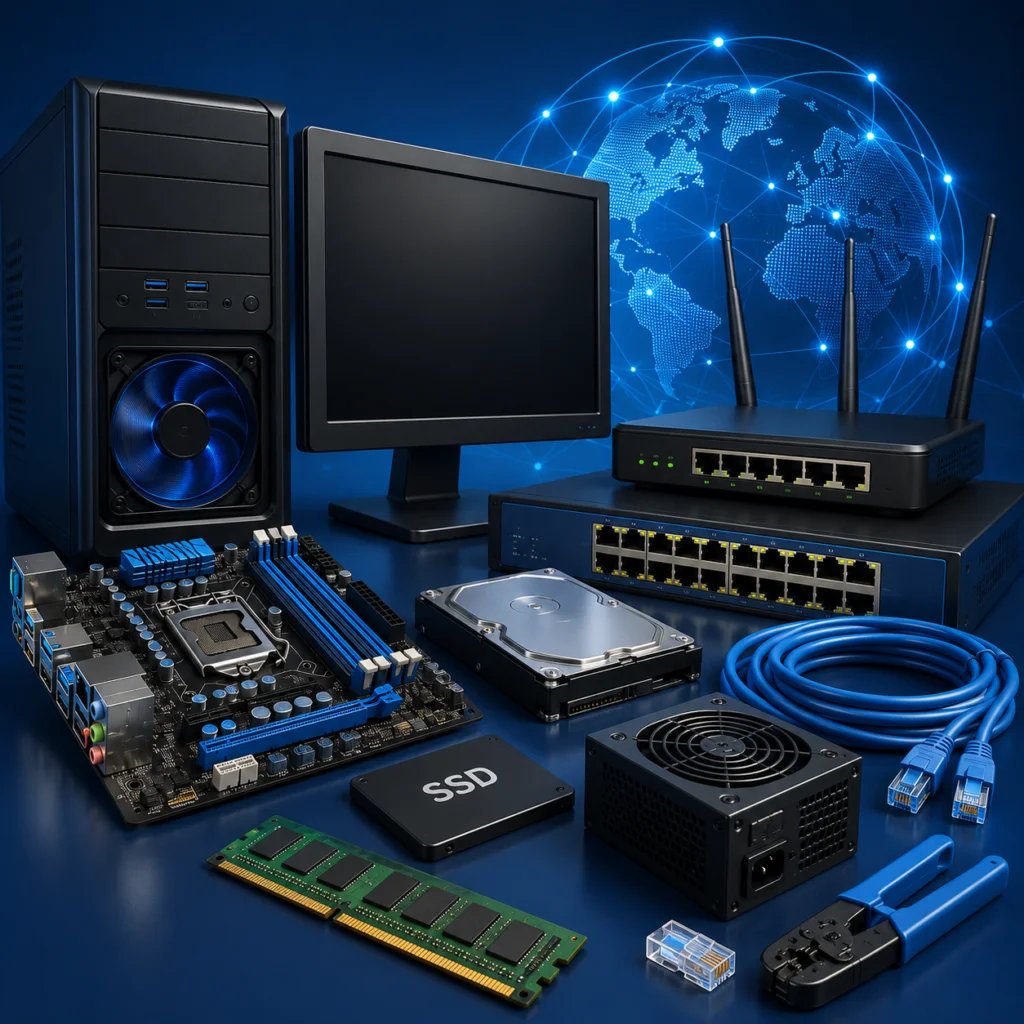
Develop a robust, practical foundation in computing infrastructure, system maintenance, and network configuration. This comprehensive training curriculum bridges the gap between raw machine electronics and functional local communication environments. You will move systematically from identifying standalone silicon hardware and configuring physical operating systems to managing system security, crimping network infrastructure media, and setting up secure peer-to-peer enterprise workgroups.
Course Modules
Phase 1: Computing Hardware Architecture & System Configurations
- 01. Input, Output & Processing Devices: Introduction to hardware components, input/output device operations, CPU functionalities, motherboard bus communication, and physical component identification.
- 02. Types of Computer and Ports: Exploring desktop systems, laptop computers, workstations, server configurations, and master usage of physical interfaces including USB, HDMI, VGA, Ethernet, and audio ports.
- 03. Hard Disk Partitioning and Formatting: Deep dive into storage media (HDDs and SSDs), disk partitioning concepts, volume allocation management, drive formatting, and file systems architecture overview (NTFS, FAT32, exFAT).
- 04. Operating System Fundamentals: Core operating system functions, types of OS platforms (Windows, macOS, Linux, ChromeOS, Android, iOS, UNIX, BSD), and underlying hardware-to-OS communication layers.
- 05. OS Installation on Virtual PC: Introduction to virtualization technologies and benefits, hypervisor virtual machine setup, guest operating system provisioning, and virtual hardware resource allocation.
- 06. OS Installation on Real PC: System preparation, BIOS / UEFI setup configuration, master bootable media creation, physical hardware installations, device driver management, and initial configurations.
- 07. Dual Boot Configurations: Architecture of multi-boot configurations, boot manager operations, managing multi-OS startup parameters, and practical setups (e.g., Windows & Ubuntu).
- 08. Infrastructure Troubleshooting: Practical fault isolation techniques, hardware diagnostic testing, operating system boot recovery, and preventive maintenance frameworks.
- 09. User Account Management: System account types, permission structures, user privileges, security context management, and password control policy configurations.
- 10. Review, Practice & Assessment: Comprehensive technical revision, custom practical labs, simulated failure exercises, performance metrics evaluation, and project feedback.
Phase 2: Network Infrastructure & Remote Systems Administration
- 11. Introduction to Network: Basic computer networking foundations, LAN/MAN/WAN architectures, physical topologies, and modern communication data flow overviews.
- 12. Identification of Network Hardware Components: Operations and functions of Network Interface Cards (NICs), layer-2 switches, network hubs, edge routers, modems, wireless access points, patch panels, and structural transmission media.
- 13. Preparing a Network Cable: Twisted-pair wiring mediums (UTP/STP), RJ45 architectural layouts, mastering T568A and T568B pinning standards, mechanical wire termination using crimping tools, and cable performance testing.
- 14. Introduction to Workgroup Network: Workgroup vs Domain network layouts, peer-to-peer network paradigms, workgroup operating system integration, and secure resource provisioning for file and print sharing.
- 15. Remote Desktop Configuration: Purpose and mechanisms of remote infrastructure access, hosting permissions configuration, establishing client-to-host handshakes, and remote access security optimization.
- 16. Remote Access Tools (TeamViewer & AnyDesk): Installation and setup, securely bridging third-party access channels, managing remote control, fast file transfers, interactive screen sharing, and safe connection best practices.
Hands-On Learning Opportunities
Develop your IT engineering skills through hands-on laboratory sessions and practical networking exercises. You will move beyond theoretical knowledge by physically assembling hardware components, installing operating systems (including dual-boot setups), and making your own network cables. The curriculum also features dedicated troubleshooting sessions where you will configure virtual machines and resolve real-world hardware and software issues.
Who Should Enroll?
- Aspiring IT Support Specialists: Individuals looking to launch a technical career by mastering PC assembly, hardware troubleshooting, and local networking from the ground up.
- Junior Systems Administrators: IT beginners wanting to transition into managing physical infrastructure, configuring routers, and setting up corporate workgroups.
- Tech Enthusiasts: Anyone seeking to supplement their computer knowledge with practical hardware repair skills, OS installation workflows, and basic network setup.
Why Choose This Course?
Accelerate your IT career with a highly practical curriculum that directly connects computer hardware with real-world networking. This course skips the heavy programming to guide you hands-on through BIOS setups, physical cable crimping, and network equipment configuration. Gaining the exact skills required to troubleshoot PCs, patch local networks, and deploy remote support makes you an incredibly valuable asset to any company's IT department.
Start Your Computer Hardware & Network Journey Today
Begin your journey into IT infrastructure with hands-on projects and expert guidance. Equip yourself with the practical skills needed to thrive in the technical support industry and unlock career opportunities in hardware deployment and network administration. Start today!